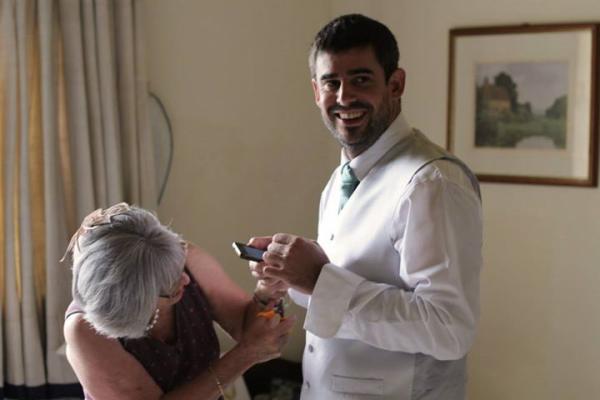
 Note: This topic allows you to post a picture with your message using the Browse button under the Add Message box. You can only post one pic per message - and it will always appear above the text of your message, whichever order you browse/type in. If your pic doesn't appear to have loaded, refresh the page (they can be slow to appear). If it doesn't load at all, try making it smaller (50KB max).
Click on "Forums". Select "Pictures" which is about a third down in the RH column of topics.
Click on "Start a new discussion". Add title and write a few words in the message box.
Below the message box you will see "Images" (up to 6 per day) and in a box next to that "Choose file". Click on "Choose file" which then allows you to browse your computer and add a photograph.
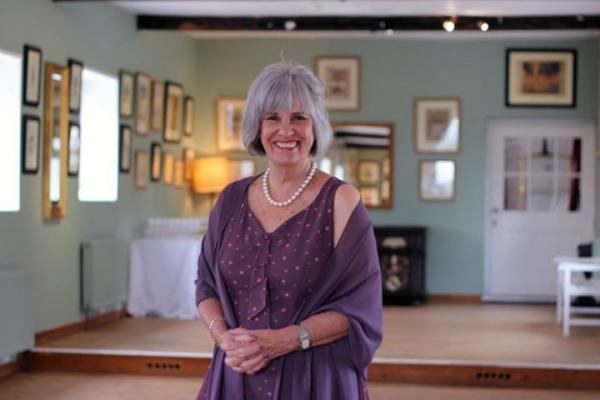
For example, this is me at son's wedding last year.